Settings
Configure your April agent's general settings.
The Settings page lets you manage your agent's basic configuration.
General Settings
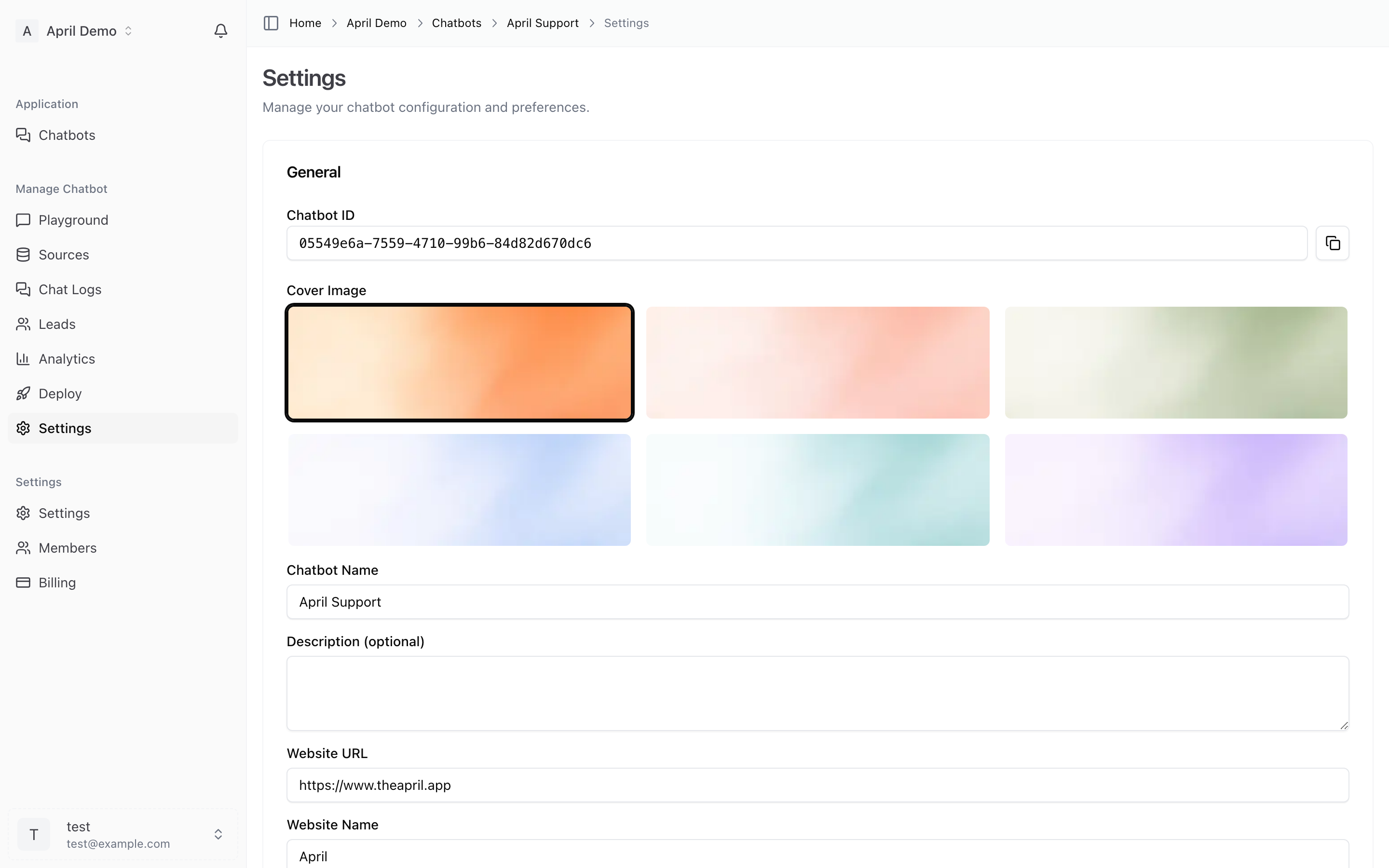
Agent Name
The name of your agent. This appears in your dashboard and can be used in the chat widget header.
Agent Description
An optional description to help you and your team identify the agent's purpose (e.g., "Main website support bot" or "Sales assistant for pricing page").
Deleting an Agent
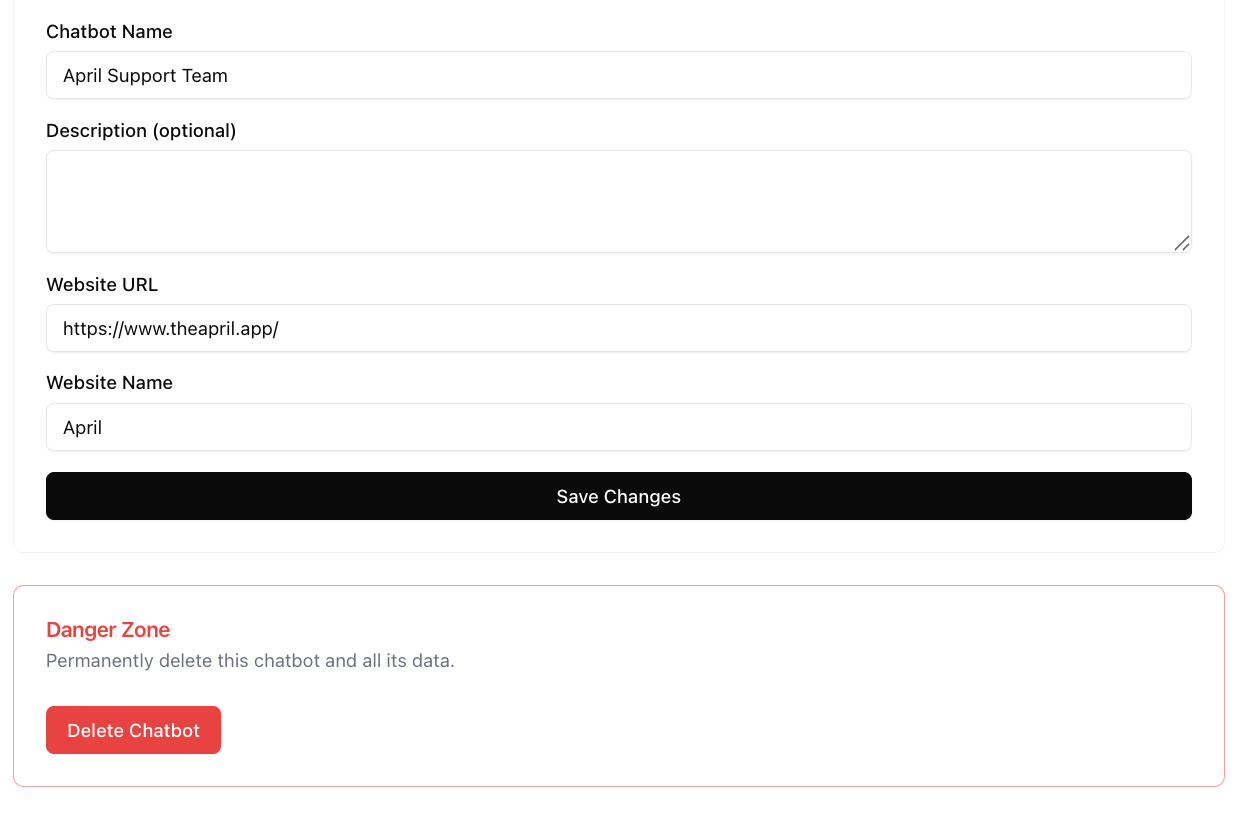
To permanently delete an agent:
- Go to Settings
- Scroll to the Danger Zone section
- Click Delete Agent
- Confirm the deletion
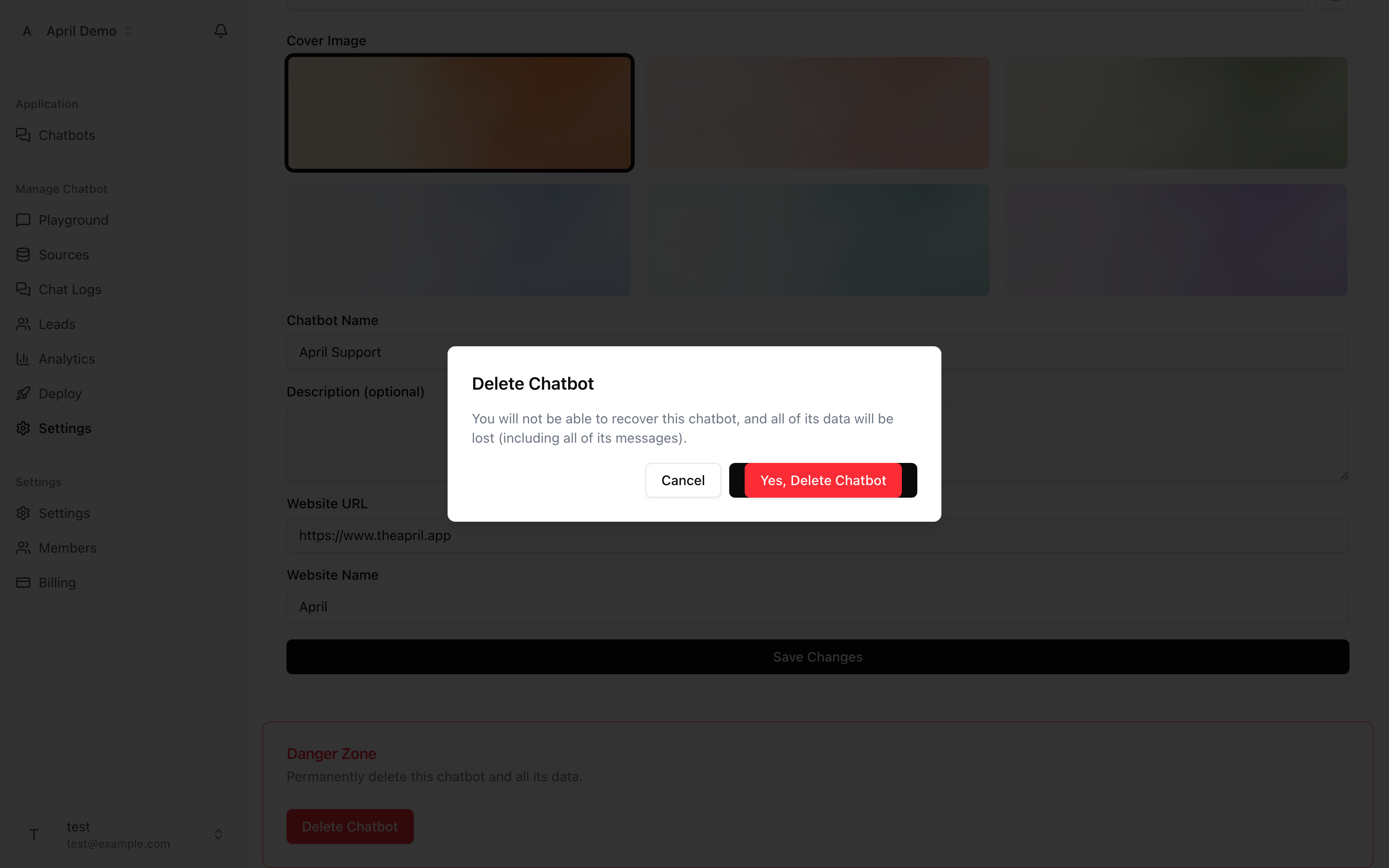
Warning: Deleting an agent is permanent and cannot be undone. This will:
- Remove all sources and training data
- Delete all conversation history
- Delete all captured leads
- Deactivate the chat widget on your website
Make sure to remove the widget embed code from your website before or after deleting the agent.