Sync Agent
Verify that all your sources are properly indexed and available to your April agent.
The Sync Agent is a unique April feature that verifies all your sources are properly indexed and working.
What It Does
When you run the Sync Agent, it:
- Checks every source in your agent's knowledge base
- Verifies each source is properly indexed and accessible
- Flags any sources that are missing, failed, or out of sync
- Reports the overall health of your agent's knowledge base
When to Use It
Run the Sync Agent when:
- You've added or removed several sources
- Your agent seems to be missing information it should know
- After a large website crawl completes
- As a periodic health check (weekly or monthly)
How to Run It
- Go to your agent's Sources tab
- Click the Sync Agent button (or Retrain button) in the sidebar
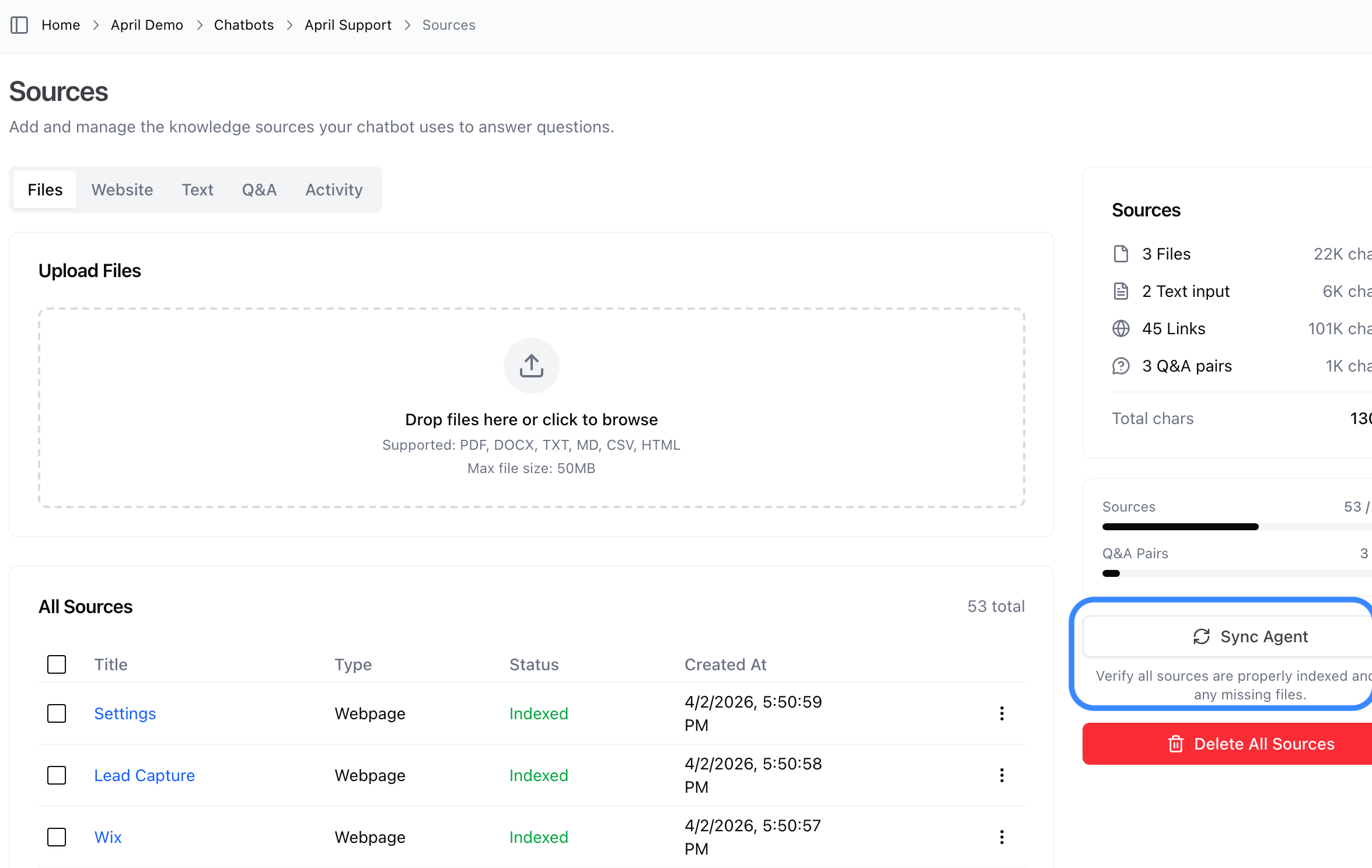
- The sync process will run and show results
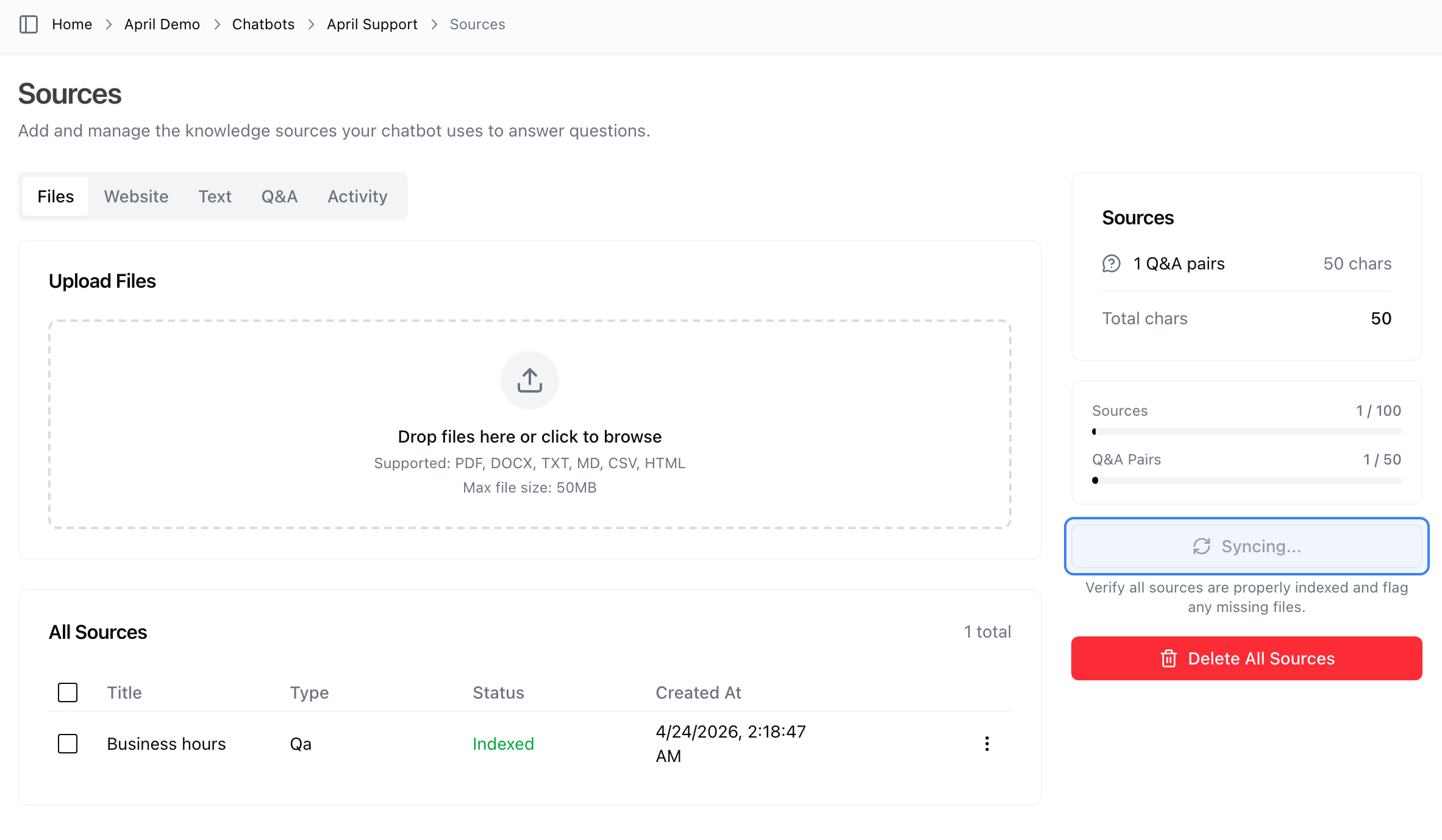
Understanding Results
The Sync Agent will tell you:
- Total sources — How many sources your agent has
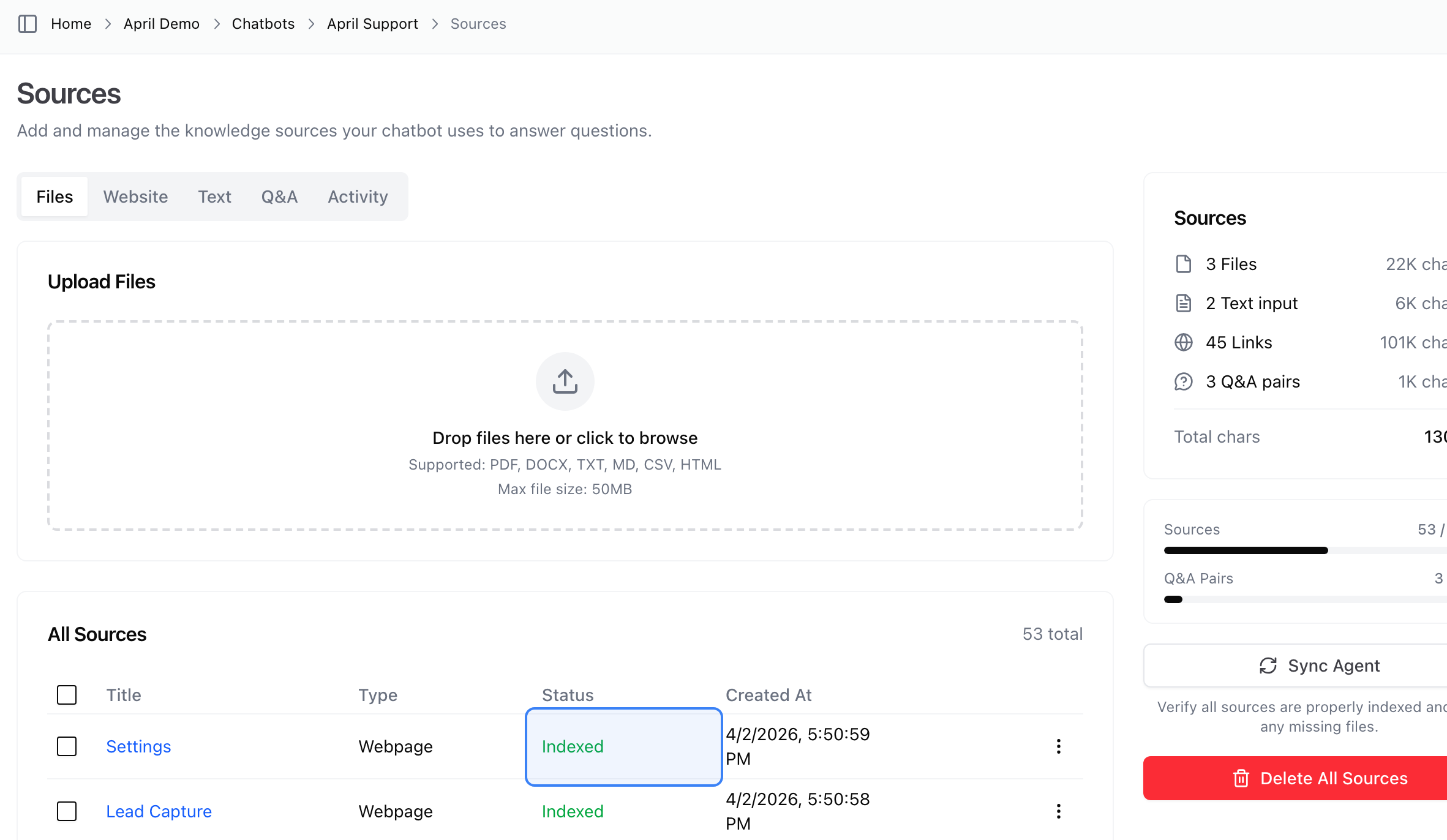
- Indexed — Sources that are properly indexed and working
- Missing — Sources that need to be re-indexed
- Failed — Sources that could not be processed
When everything is healthy, all sources show green "Indexed" status:
If any sources have issues, they'll be flagged so you can fix them:
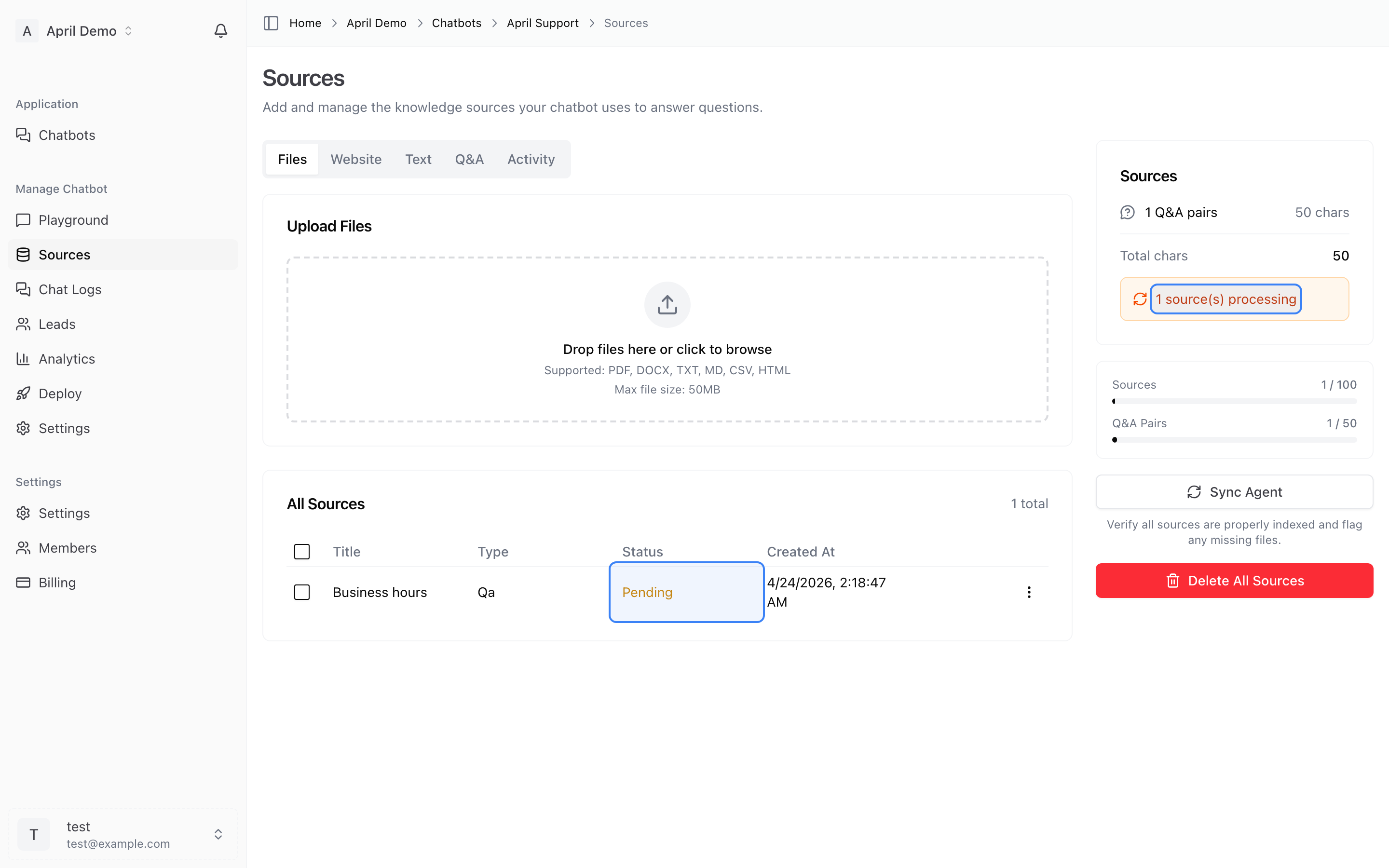
If any sources are flagged, you can re-upload or re-crawl them to fix the issue.
Why This Matters
Unlike other platforms where you have no visibility into your content's indexing status, April's Sync Agent gives you confidence that your agent has access to everything you've trained it on. No more wondering if a document was actually processed — you can verify it.