Website Embed
Add the April chat widget to any website with a single line of code.
Adding April to your website takes one line of code and works on any platform.
Getting Your Embed Code
- Go to your agent's Deploy tab
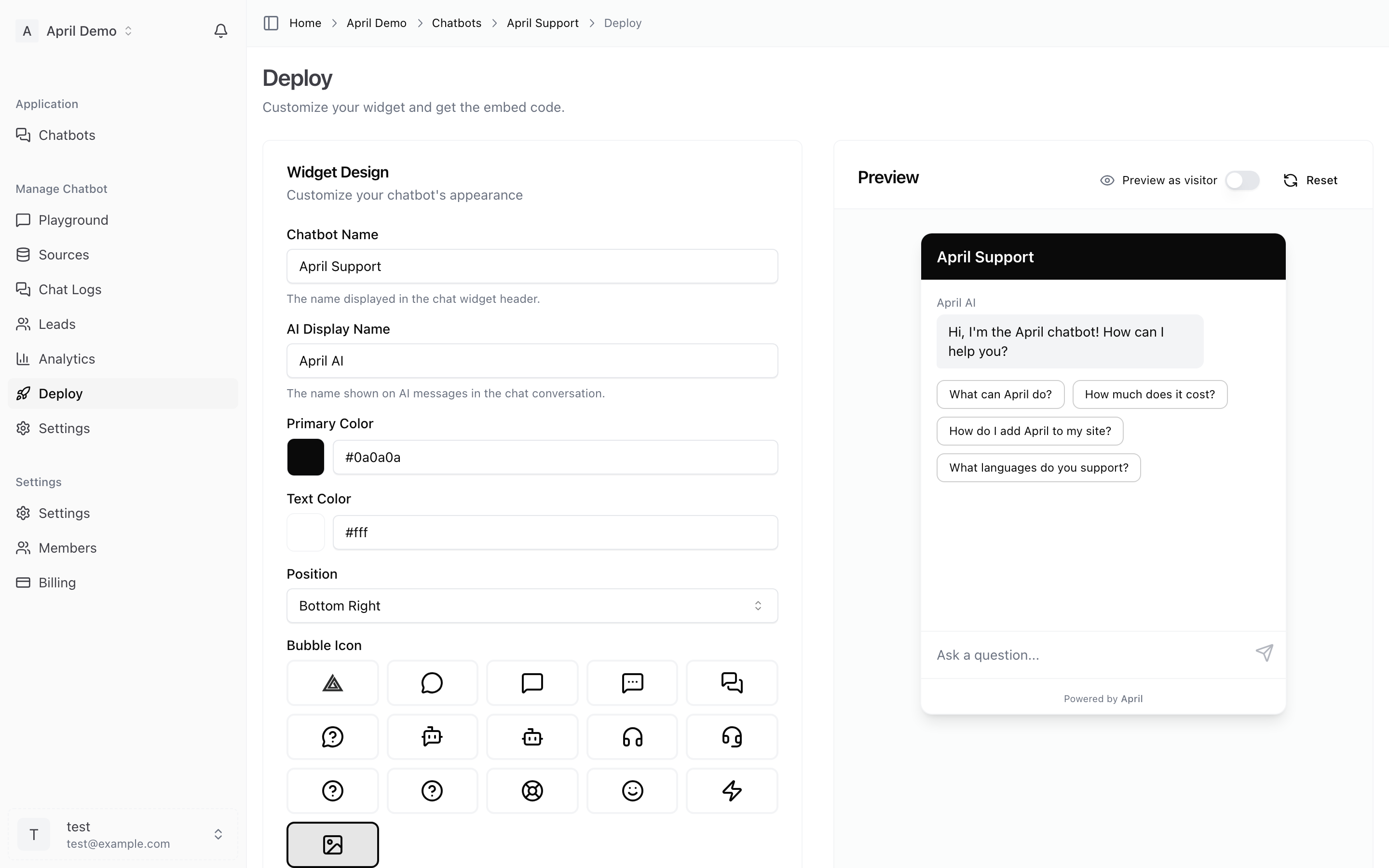
- Customize the widget appearance
- Copy the embed code
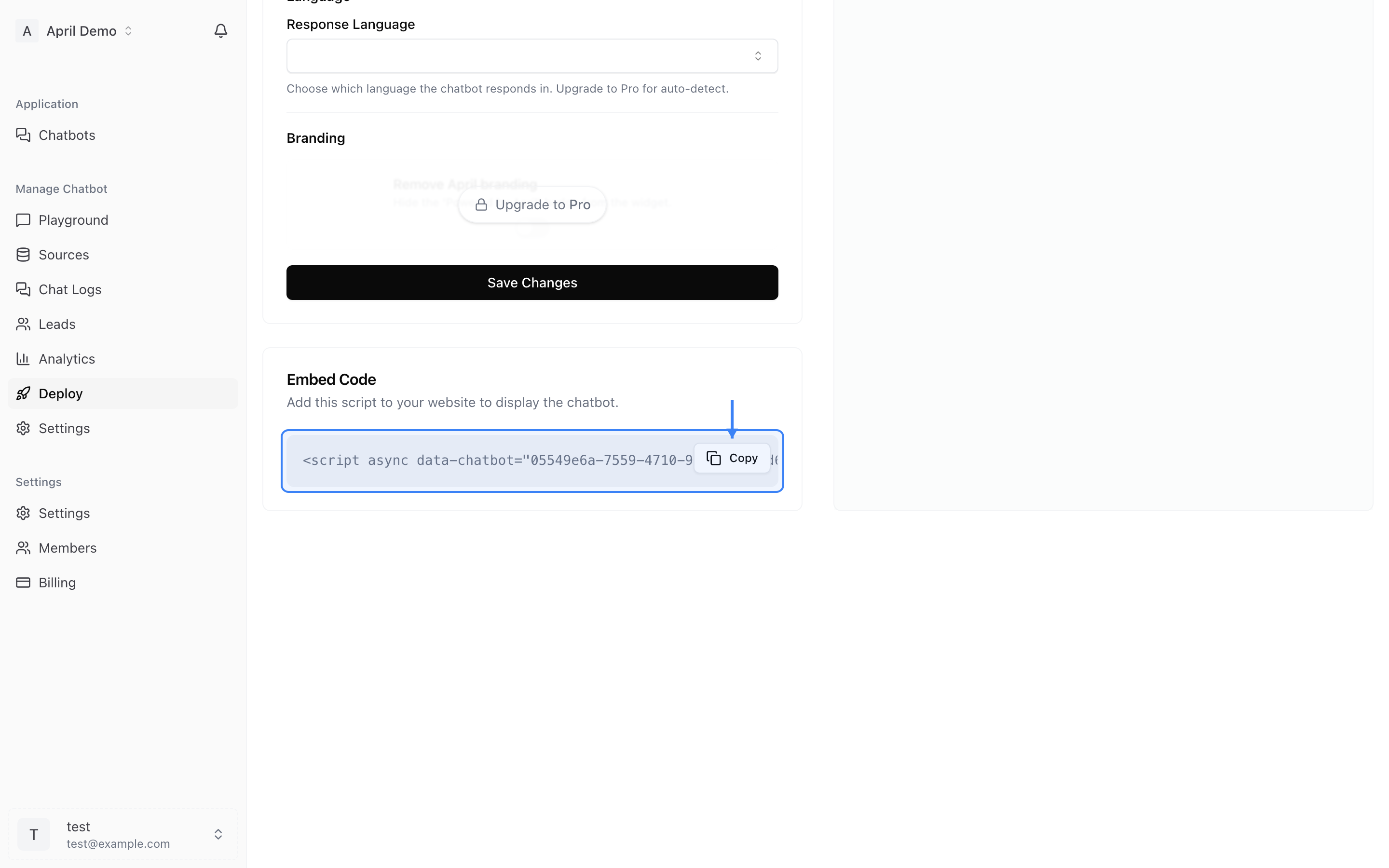
The code looks like this:
<script data-chatbot="YOUR_CHATBOT_ID" src="https://theapril.app/widget.js"></script>
Adding to Your Website
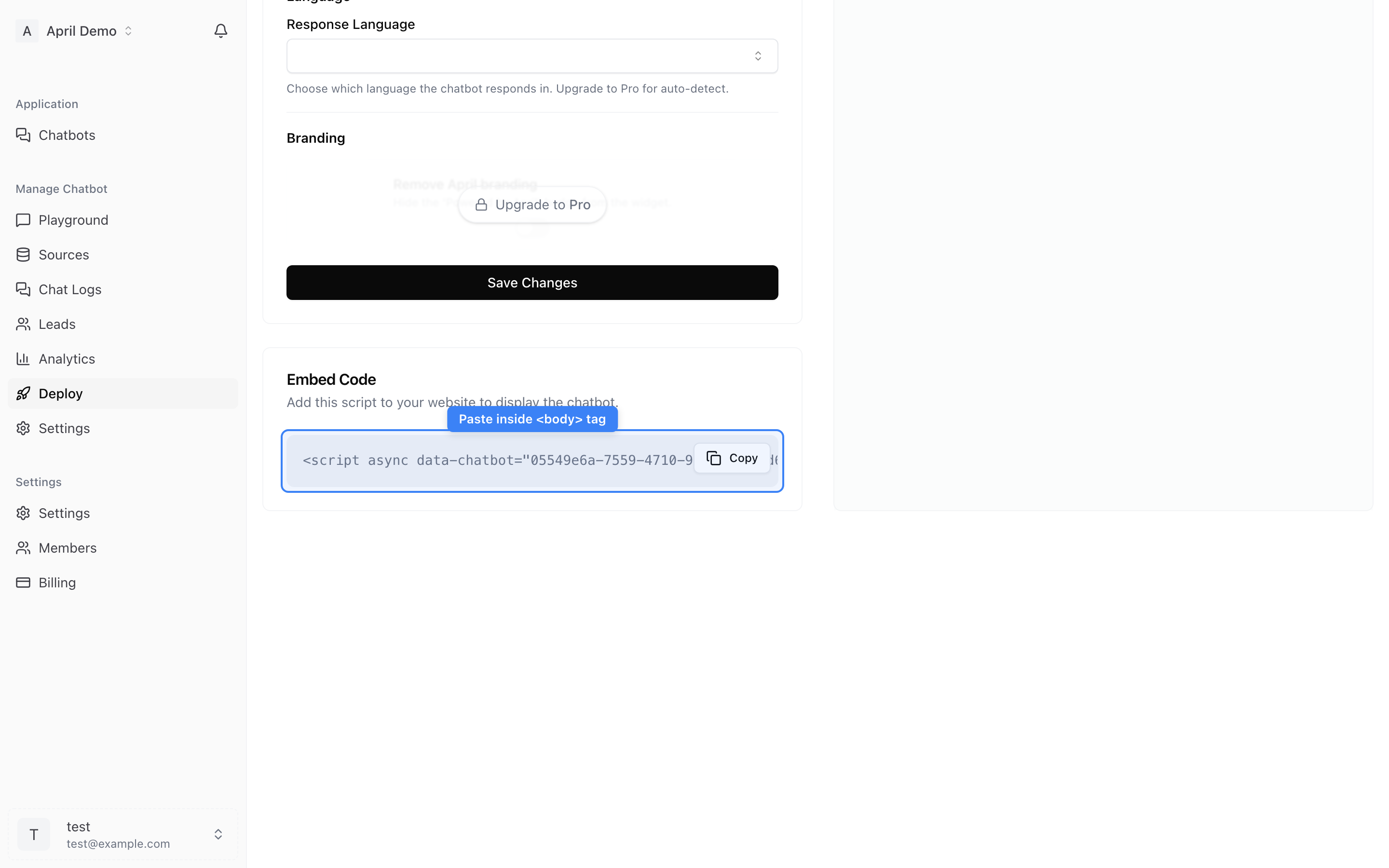
Paste the script tag into your website's HTML, just before the closing </body> tag:
<html>
  <head>
    <!-- Your existing head content -->
  </head>
  <body>
    <!-- Your website content -->

    <!-- April Chat Widget -->
    <script data-chatbot="YOUR_CHATBOT_ID" src="https://theapril.app/widget.js"></script>
  </body>
</html>
Adding to Specific Pages Only
Only want the widget on certain pages? Simply add the script to those pages only, not your global template.
Adding to All Pages
To show the widget on every page, add the script to your site's global template, footer include, or layout file.
Verifying Installation
After adding the code:
- Visit your website
- Look for the chat bubble in the bottom corner
- Click it to open the widget
- Send a test message
If the widget doesn't appear, check that:
- The script tag is properly placed before
</body> - Your chatbot ID is correct
- There are no JavaScript errors in your browser console (press F12 to check)