Language & Localization
Configure language settings for your April chat widget to serve global audiences.
April supports 100+ languages, making it easy to serve customers worldwide.
Supported Languages
Arabic, Chinese (Simplified), Chinese (Traditional), Czech, Dutch, English, Finnish, French, German, Greek, Hebrew, Hindi, Hungarian, Indonesian, Italian, Japanese, Korean, Norwegian, Polish, Portuguese, Romanian, Russian, Spanish, Swedish, Thai, Turkish, Ukrainian, Vietnamese — and more.
Setting the Language
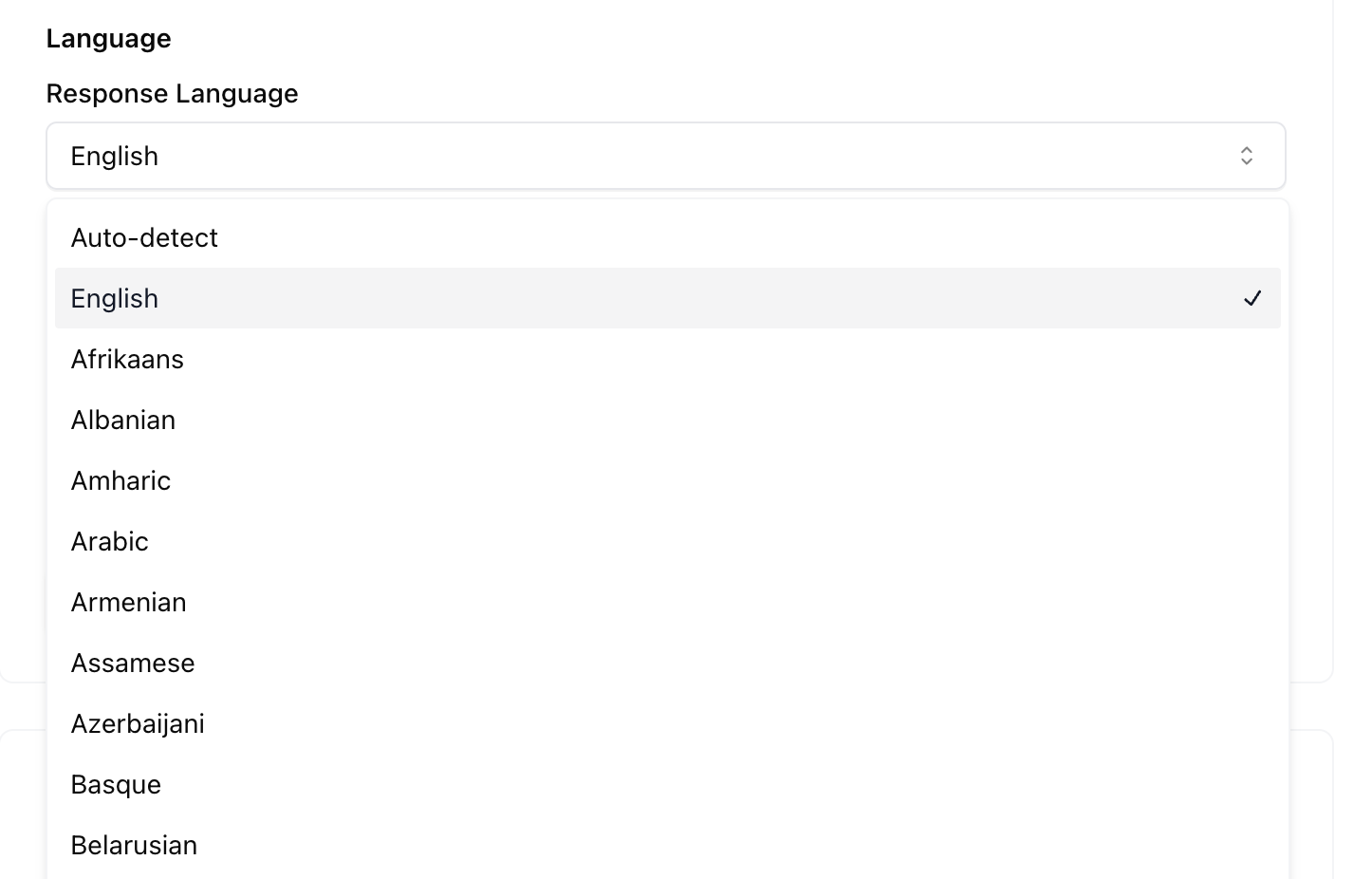
- Go to your agent's Deploy tab
- Find the Language setting
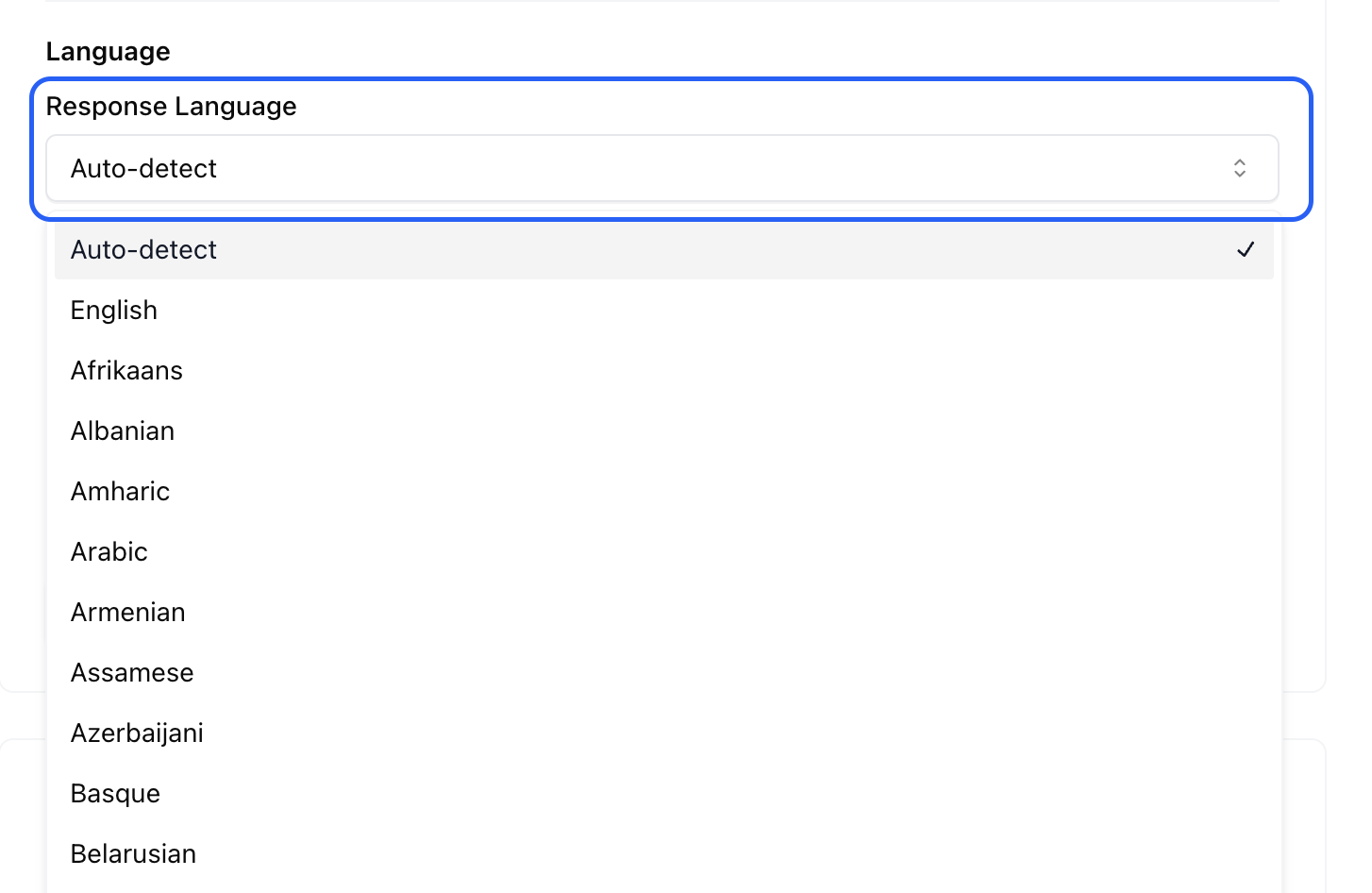
- Choose a specific language or enable Auto-Detect
Auto-Detect Mode
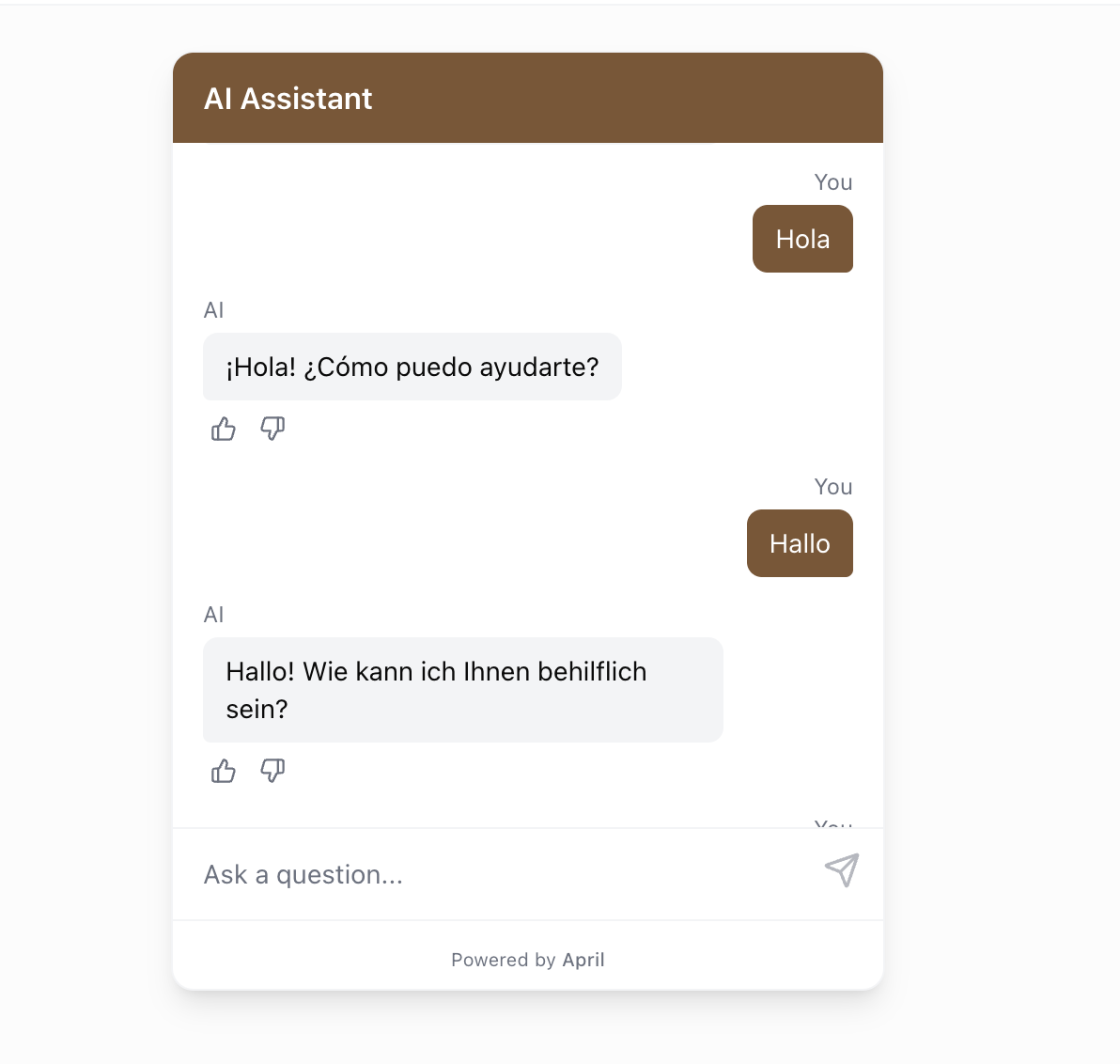
When auto-detect is enabled, April automatically responds in the same language the visitor uses. If a visitor writes in French, the agent responds in French. If they switch to English, the agent follows.
This is the recommended setting for websites with international traffic.
What Gets Translated
When you set a language (or auto-detect kicks in):
- Agent responses are generated in the detected language
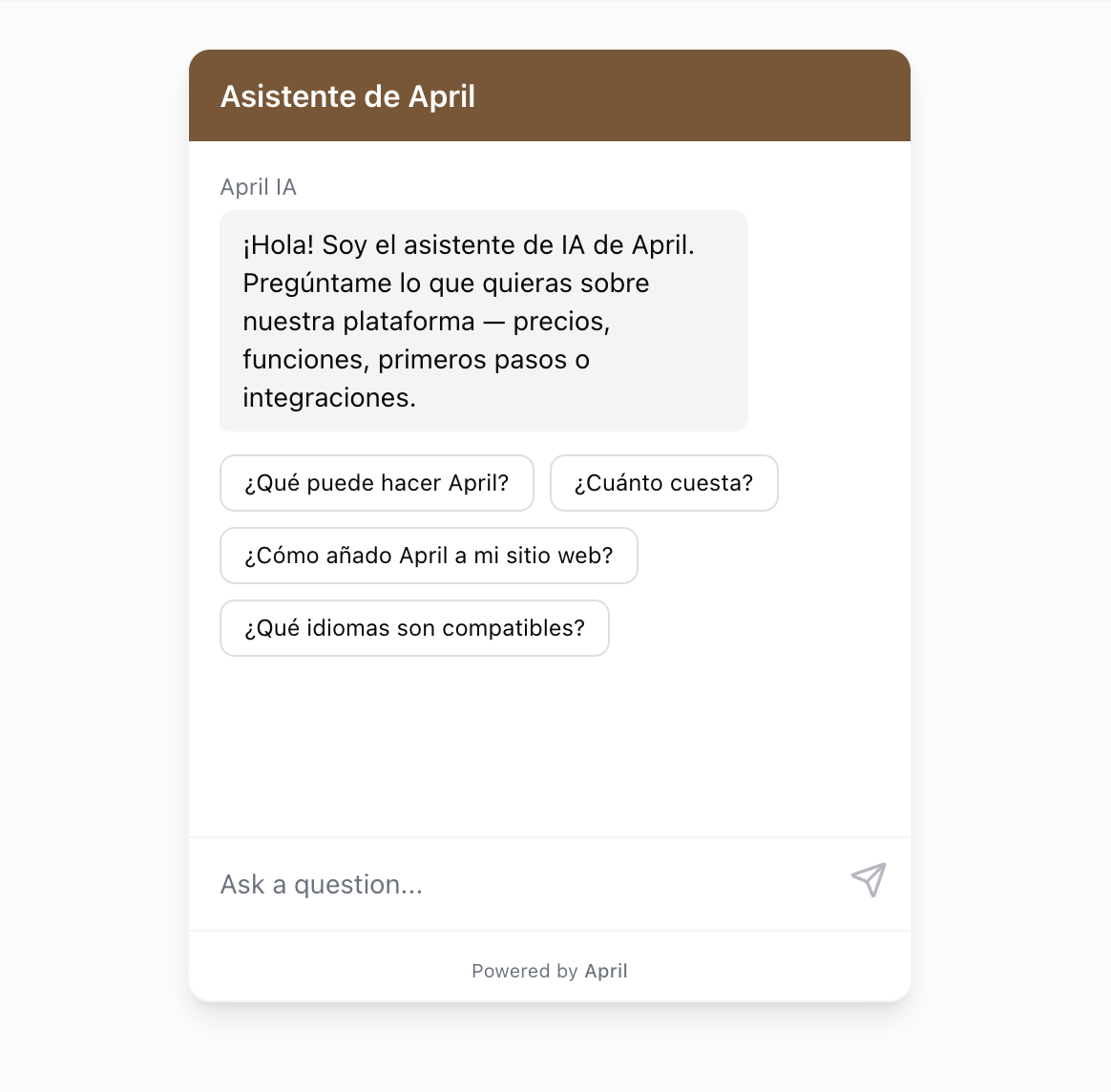
- Welcome message, display names, and suggested questions — You write these yourself, so enter them in your target language to fully localize the widget for your audience
Tips for Multilingual Support
- Source content language — Your sources can be in any language. The agent can understand content in one language and respond in another.
- Q&A pairs — For critical answers in specific languages, create Q&A pairs in those languages for maximum accuracy.
- System prompt — You can add language-specific instructions like "Always greet users in their language" or "If the user writes in Spanish, respond in Spanish."