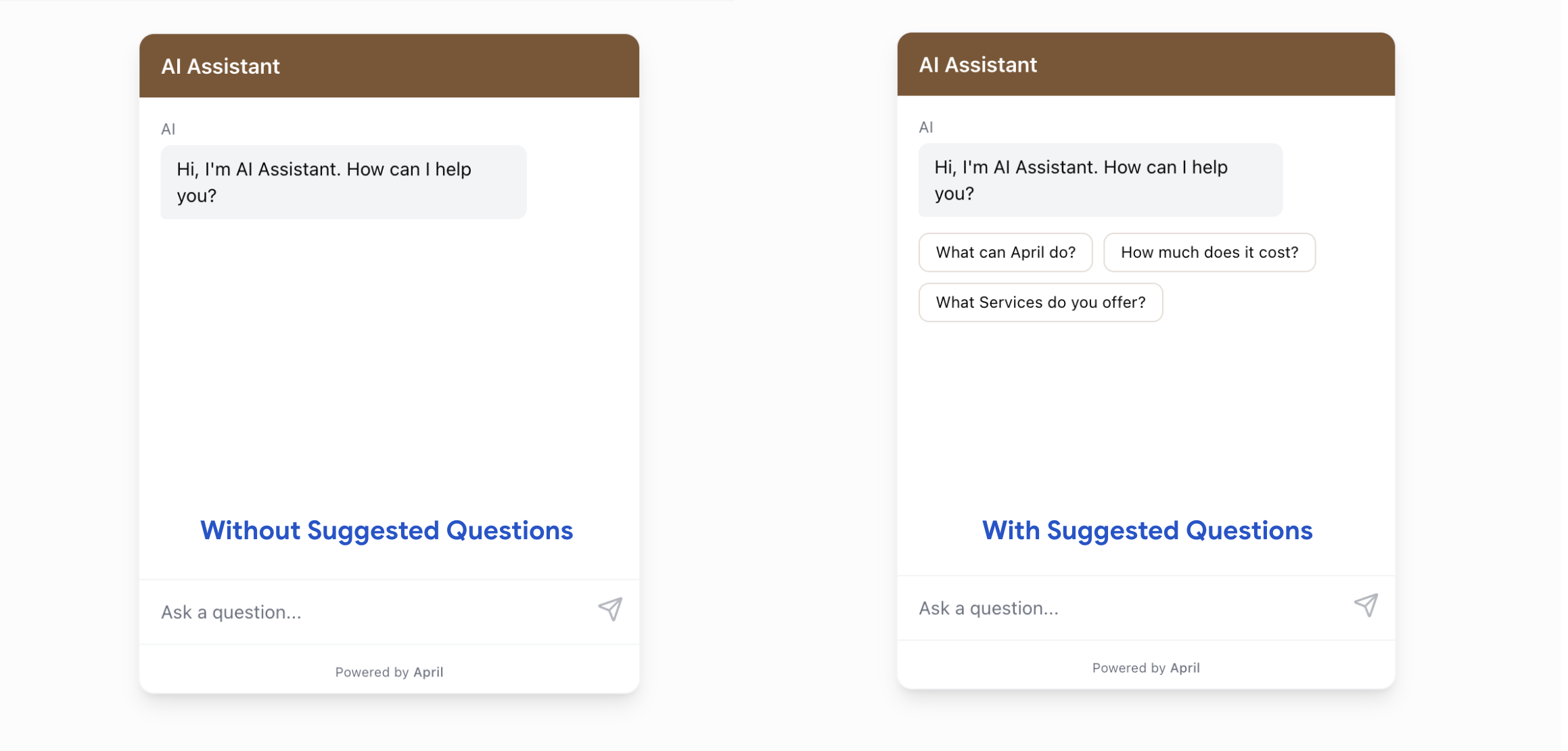
Welcome Messages & Suggested Questions
Configure the welcome message and suggested questions for your April chat widget.
First impressions matter. Your welcome message and suggested questions set the tone for every conversation.
Welcome Message
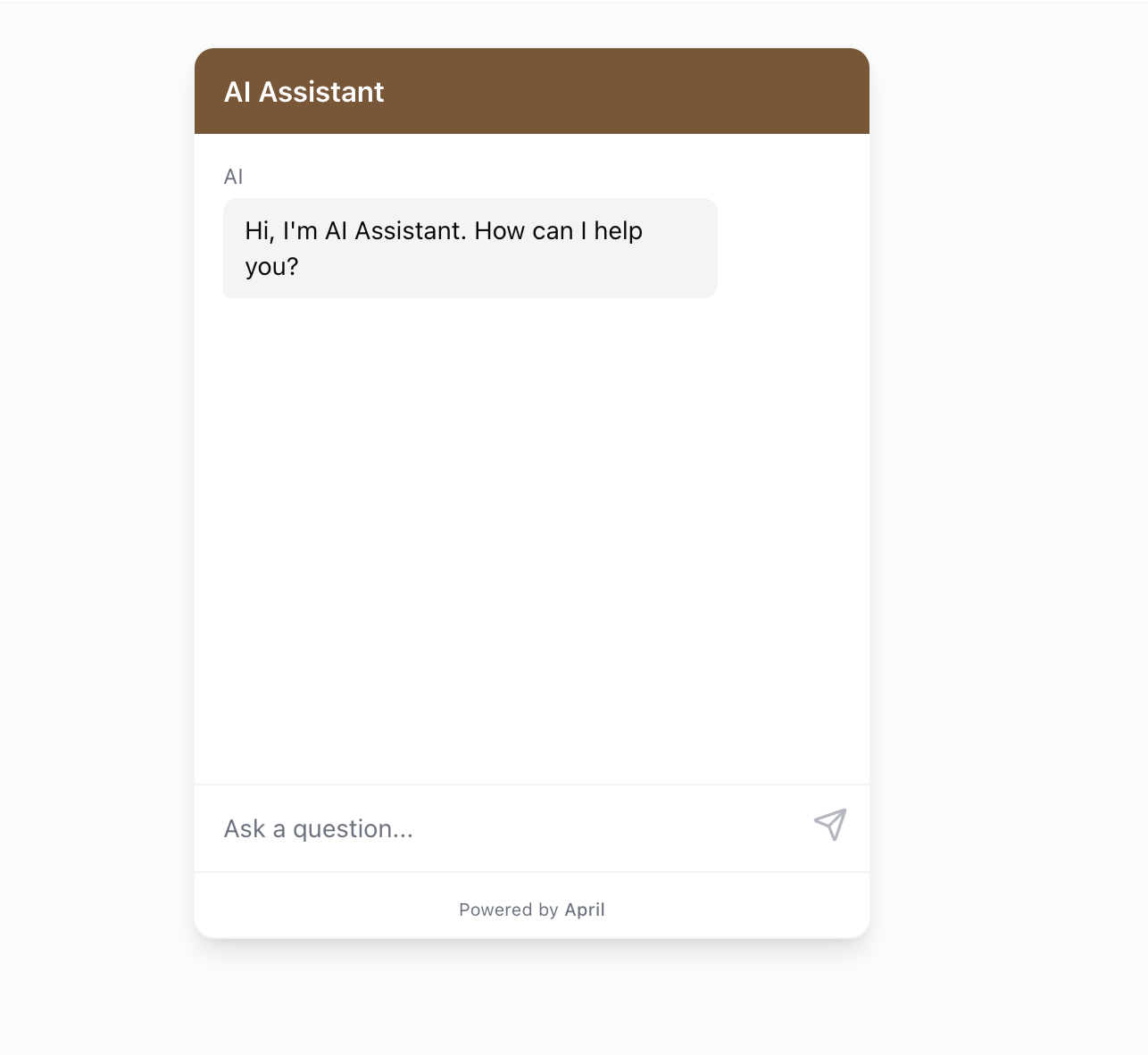
The welcome message is the first thing visitors see when they open the chat. It appears as a message from your agent before the visitor types anything.
How to set it:
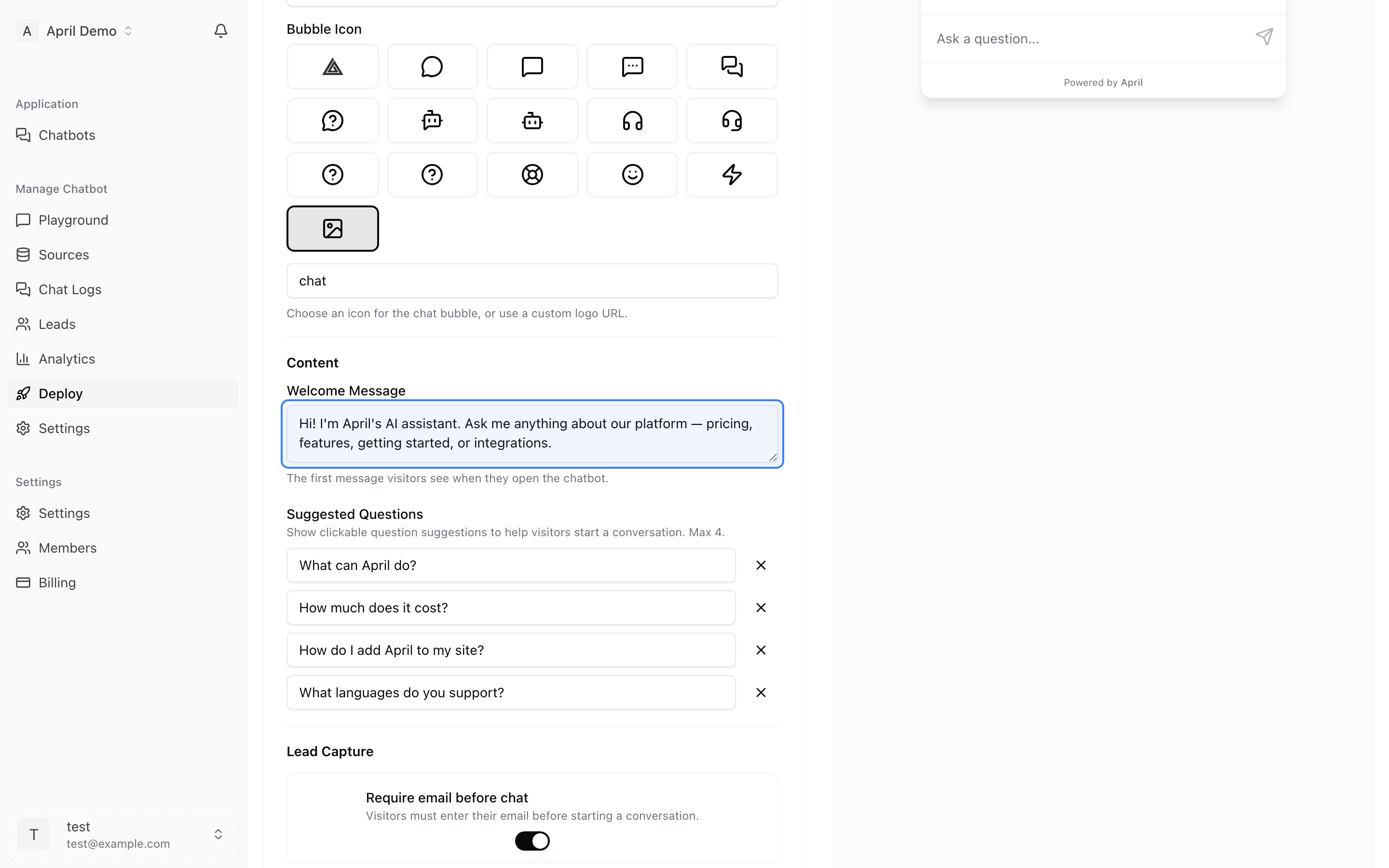
- Go to Deploy tab
- Find the Welcome Message field
- Enter your message
- Preview it in the live widget
Good welcome messages:
- "Hi! I can help you with product questions, pricing, and support. What can I help you with?"
- "Welcome! Ask me anything about our services."
- "Hello! I'm here to help you find what you need."
Tips:
- Keep it short (1-2 sentences)
- Set expectations about what the agent can help with
- Use a friendly, approachable tone
- Avoid jargon or overly formal language
Suggested Questions
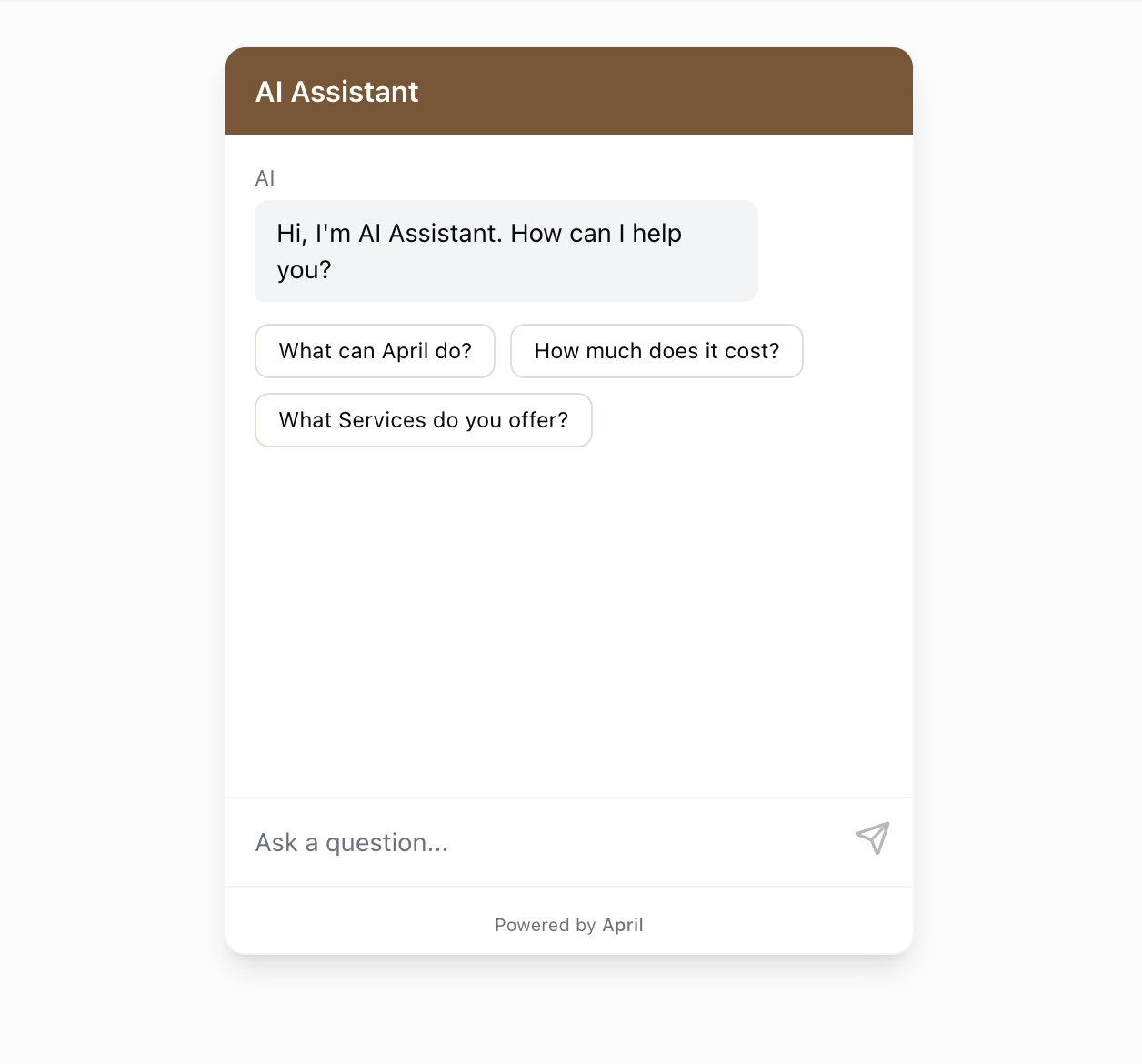
Suggested questions appear as clickable buttons below the welcome message. They give visitors quick starting points.
How to configure:
- Go to Deploy tab
- Find the Suggested Questions section
- Add up to 4 questions
- Questions appear as clickable chips in the widget
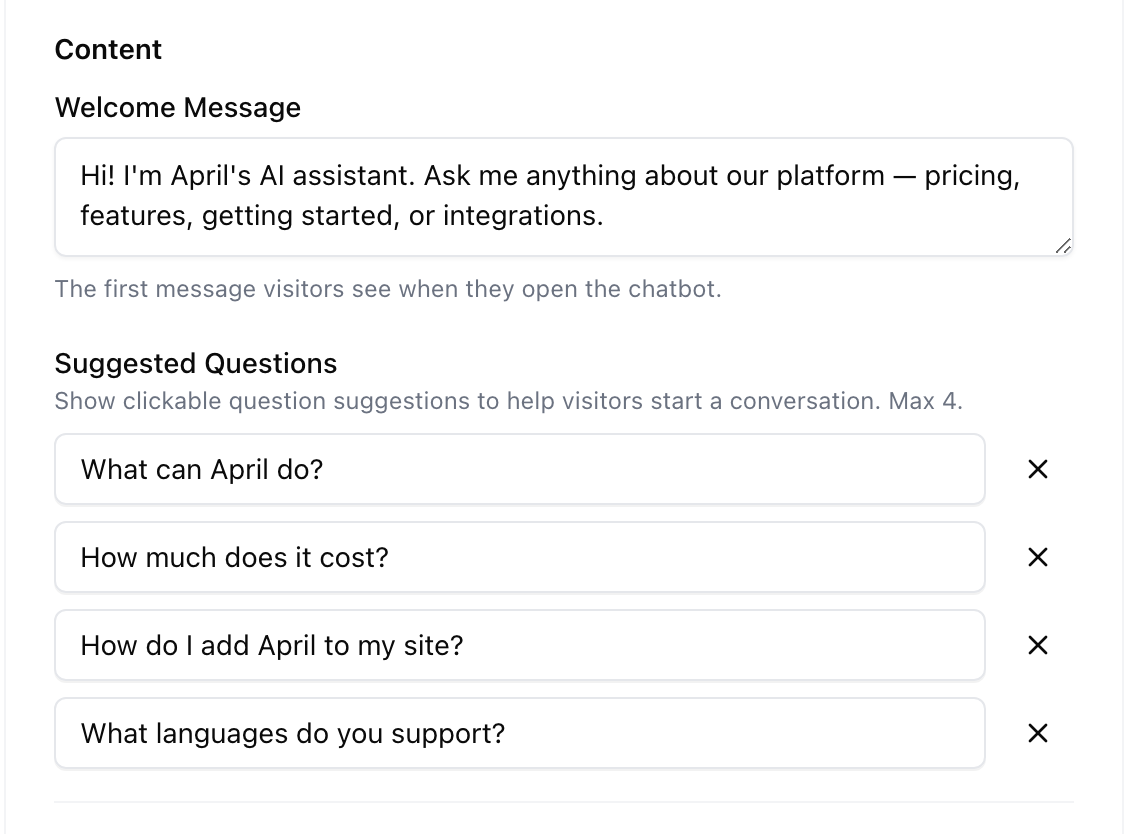
Good suggested questions:
- "What are your pricing plans?"
- "How do I get started?"
- "What's your return policy?"
- "Do you offer free trials?"
Tips:
- Choose your most frequently asked questions
- Keep them short (under 40 characters works best)
- Cover different topics to show the agent's range
- Update them seasonally or when your offerings change